Skip the watch.
Ask. Understand.
Transcription is just the first step. AskVideo turns the transcript into something you can interrogate: summaries, goals, arguments, definitions, and answers — privately on your Mac.
Ask the video (offline)
Ask questions about any YouTube video and get answers instantly — powered by an AI model that runs locally on your Mac.
Summaries & key takeaways
Get a crisp summary, bullet-point takeaways, and action items without watching end‑to‑end.
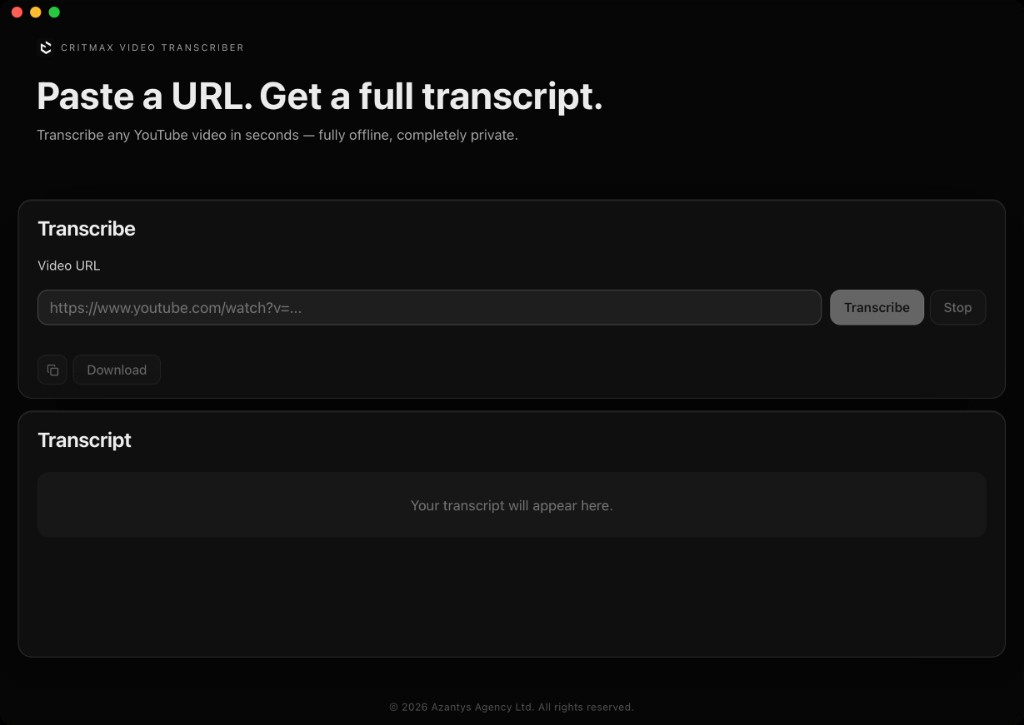
Streaming transcript
Drop a YouTube URL and watch the transcript appear in real time. The transcript becomes the knowledge base for Q&A.
Private by Design
Transcription and AI chat run locally on your Mac. No cloud AI processing and no transcript sent to external AI services.
Copy or Download
Export the transcript for notes, docs, research, or sharing — clipboard or a clean .txt file.
Built for macOS
A native desktop experience for Apple Silicon Macs. Fast, lightweight, and stays responsive while it works.
Built for people who value their time
Students
Ask for summaries, definitions, and exam-ready key points — without rewatching lectures.
Researchers
Extract claims and quotes fast. Ask for methodology, limitations, and counterpoints.
Content Creators
Generate outlines, hook ideas, and timestamped highlights from long-form videos.
Professionals
Turn webinars into action items. Ask for decisions, risks, and next steps.
Language Learners
Ask for explanations of phrases, translations, and examples — while reading the transcript.
Anyone
If you can’t justify 45 minutes, ask the video in 45 seconds.
Simple, honest pricing
One-time purchase. No subscriptions. No hidden fees.
Full access to AskVideo by CritMax with all future updates included.
- ✓Ask the video: offline AI Q&A
- ✓Streaming transcript from a YouTube URL
- ✓Summaries, key takeaways, and explanations
- ✓Copy to clipboard or export as .txt
- ✓Private: AI runs locally on your Mac
- ✓macOS native (Apple Silicon / M-series)
- ✓Free updates forever
Secure checkout via Stripe. Instant delivery.